Animating Your Photoshop Character in Moho
The Animating Your Photoshop Character in Moho is professionally designed video course created in Moho by Chad Troftgruben.
In this course, Chad Troftgruben will teach you how to set up, rig and animate a bitmap character in Moho.
The course uses Photoshop, but you can use any illustration app (like Clip Studio Paint, Gimp, Rebelle, Procreate, etc) and export the .psd file from there.
You will learn to create a skeleton for your characters, use advanced tools like Smart Bones, Dynamics, Target Bones; Create a head turn using Smart Warp layers; Import and organize a background in 3D; Learn how to use the animation tools for both the character and camera and export your animation as a video.
Original: $29.99
-70%$29.99
$9.00
Description
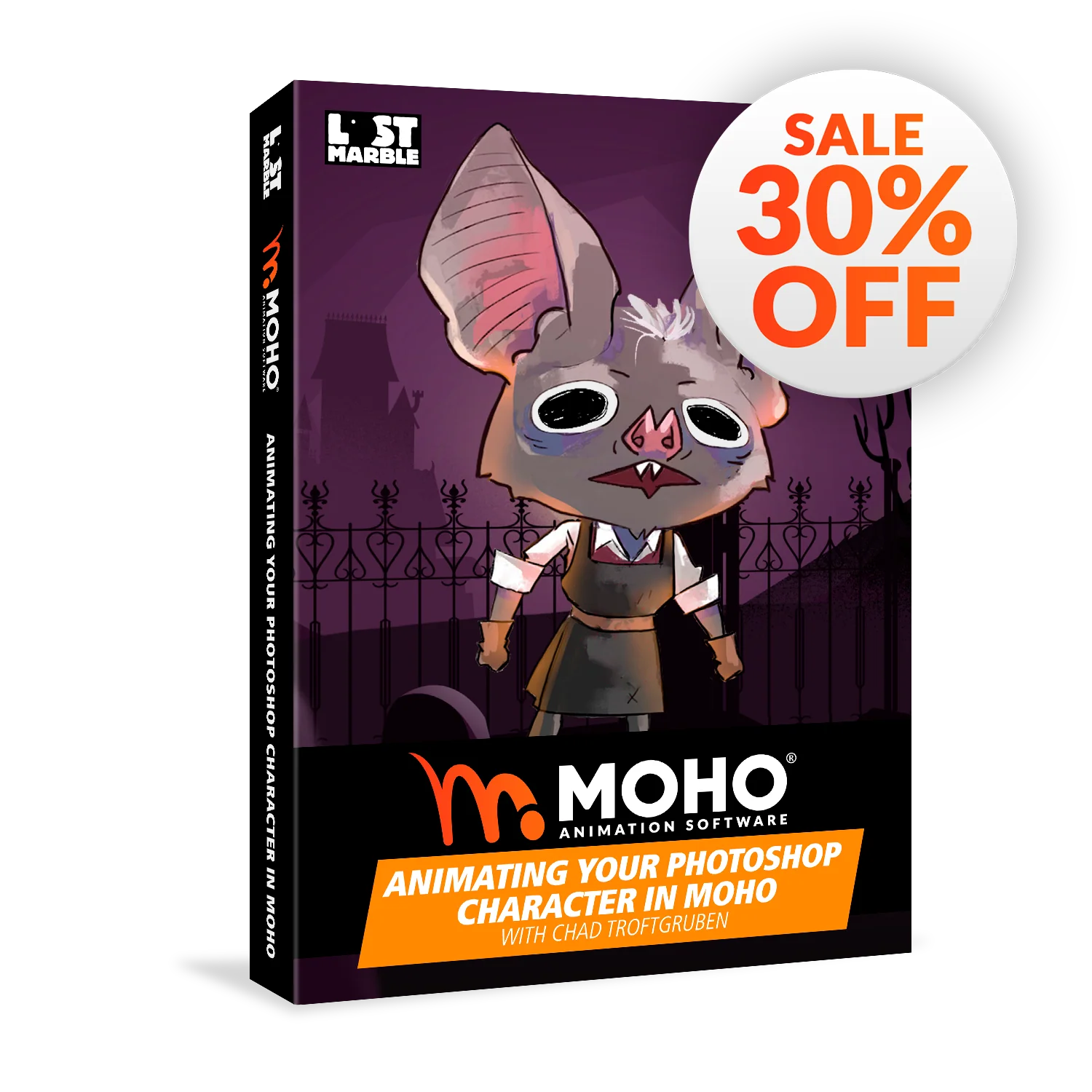
The Animating Your Photoshop Character in Moho is professionally designed video course created in Moho by Chad Troftgruben.
In this course, Chad Troftgruben will teach you how to set up, rig and animate a bitmap character in Moho.
The course uses Photoshop, but you can use any illustration app (like Clip Studio Paint, Gimp, Rebelle, Procreate, etc) and export the .psd file from there.
You will learn to create a skeleton for your characters, use advanced tools like Smart Bones, Dynamics, Target Bones; Create a head turn using Smart Warp layers; Import and organize a background in 3D; Learn how to use the animation tools for both the character and camera and export your animation as a video.